Show useful work.
Start with one reviewed source, explain the problem, share one lesson, and point to the safe next step. No jargon, no fake proof.
Guide 05 / SP-CNT-05
Turn reviewed work products into useful proof, posts, emails, guide sections, lead magnets, and offer-page proof without fake claims or unsafe auto-publishing.
Build the content mapBack to library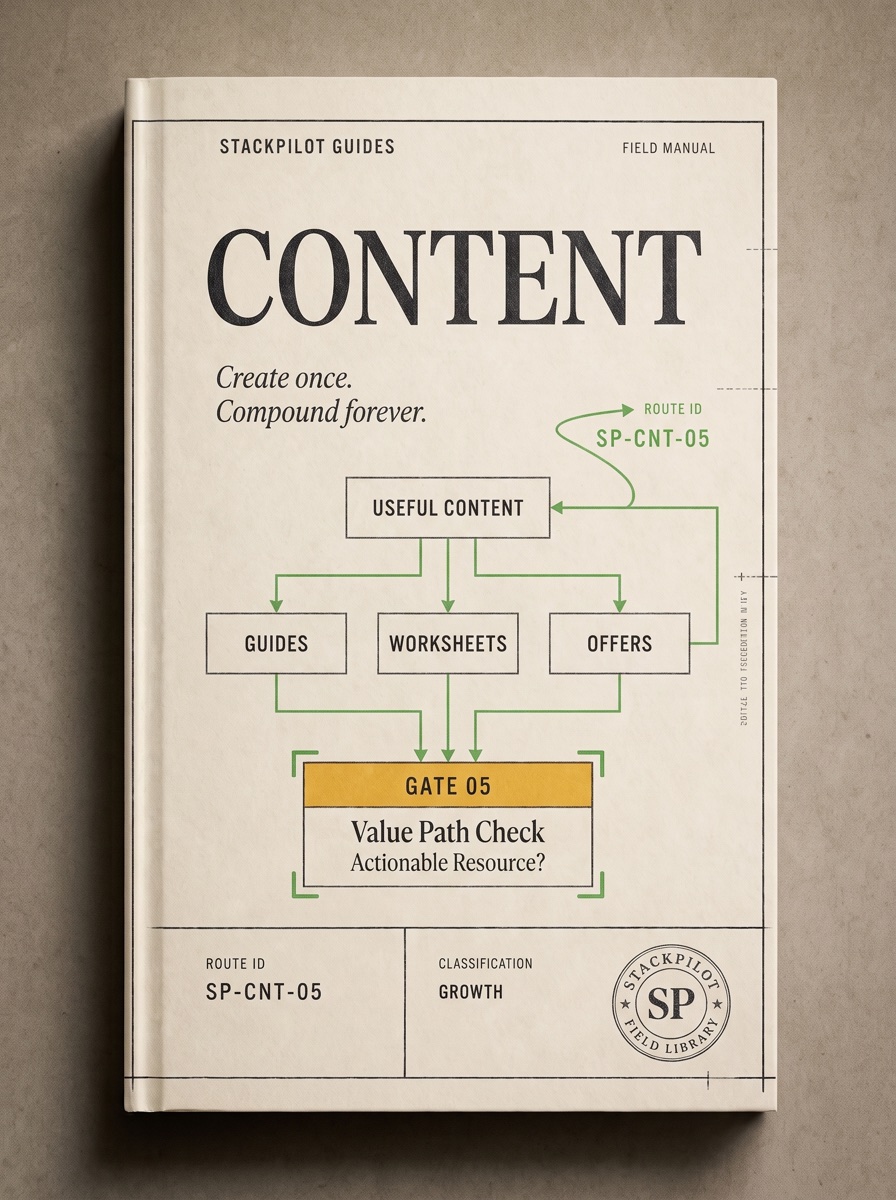
Mission outcome
Start with one reviewed source, explain the problem, share one lesson, and point to the safe next step. No jargon, no fake proof.
Turn audits, checklists, maps, templates, and teardown notes into posts, emails, guide sections, lead magnets, and offer-page proof.
Route proof into assets, assets into lead magnets, lead magnets into offer pages, and buyer feedback into better manuals.
Pain, lesson, proof, process, and offer route.
Sources, approved snippets, drafts, published assets, metrics, and do-not-use material.
AI drafts from reviewed sources. Humans approve before anything goes live.
Source rule
Every content asset starts from a reviewed source: an audit, checklist, workflow map, safe agent output, public teardown, interview note, or approved proof snippet. If there is no source, label it as an idea — not proof.
10-year-old mode
Use the plain sentence: “I made this useful thing. Here is the problem it solves. Here is the safe next step.” Do not make stuff up. Do not let AI post without a person checking it.
Content map
Name the workflow problem the buyer recognizes.
Extract one useful takeaway from the reviewed work.
Use approved snippets, anonymized examples, or public teardown evidence.
Give one next step, checklist, or worksheet prompt.
Link to a guide, diagnostic, lead magnet, audit, or offer.
What reviewed file, map, audit, or checklist are you starting from?
Who would actually care about this?
What problem does it make visible?
What can the reader do differently?
What can you show without exaggerating or exposing private data?
Which guide, checklist, diagnostic, lead magnet, or offer should they use?
Intermediate workflow
Start from evidence, not a blank content prompt.
Decide what can be shown before drafting.
Post, email, guide section, case study, lead magnet, offer proof block.
Keep human approval in front of every public action.
Advanced workflow
Create a proof library with folders for sources, approved snippets, draft assets, published assets, metrics, and do-not-use material. Give AI only approved local sources and named draft actions. Route every finished asset to one business action: guide read, diagnostic, worksheet download, email signup, audit offer, consultation request, or product purchase.
Draft-only AI asset loop
Proof library
Reviewed audits, maps, checklists, teardown notes, interview notes, safe agent outputs.
Quotes, screenshots, examples, and claims that are cleared for use.
AI-assisted drafts that are not public yet.
Final assets with publish date, channel, and route.
Views, clicks, replies, saves, downloads, inquiries, customers, objections, and revenue.
Private details, unapproved claims, weak drafts, and risky examples.
One work product → six assets
Source: a reviewed Pipeline Health Audit sample showing that leads were spread across forms, DMs, notes, and inboxes.
Most lead problems are not traffic problems. They are memory problems. Start by making one lead map before buying another tool.
Subject: Before you buy another CRM. First, write down where every lead enters, who sees it, what happens next, and where follow-up disappears.
A lead system has five jobs: catch interest, talk to the person, explain the offer, deliver the next step, and remember proof.
Finding: the first fix was not automation. It was a visible lead-source map and a daily review checklist.
Lead Leak Map Worksheet: find every place leads enter, where follow-up slows down, and which part needs a human owner before automation.
Before recommending tools, StackPilot maps the actual workflow: where leads enter, what breaks, and what can safely be delegated.
What not to publish
Publishing checklist
You are ready when the asset starts from reviewed work, helps a buyer, and routes to one useful next step.
AI may draft, organize, summarize, score, route, remind, and create local draft files. Human approval is required before publish, send, post, schedule, contact, buy ads, create accounts, accept terms, deploy, delete, change settings, or use private identity details.